PDF Converter Is Now Available in SimpleAI
We think every contract review should start with SimpleAI. But not every contract arrives ready to be redlined.
A lot of agreements still arrive as PDFs, which means before you can run your playbooks or Risk Review, you need to figure out how to convert the document into Word while preserving as much of the original structure and format as possible.
So today we’re releasing our PDF Converter directly into SimpleAI.
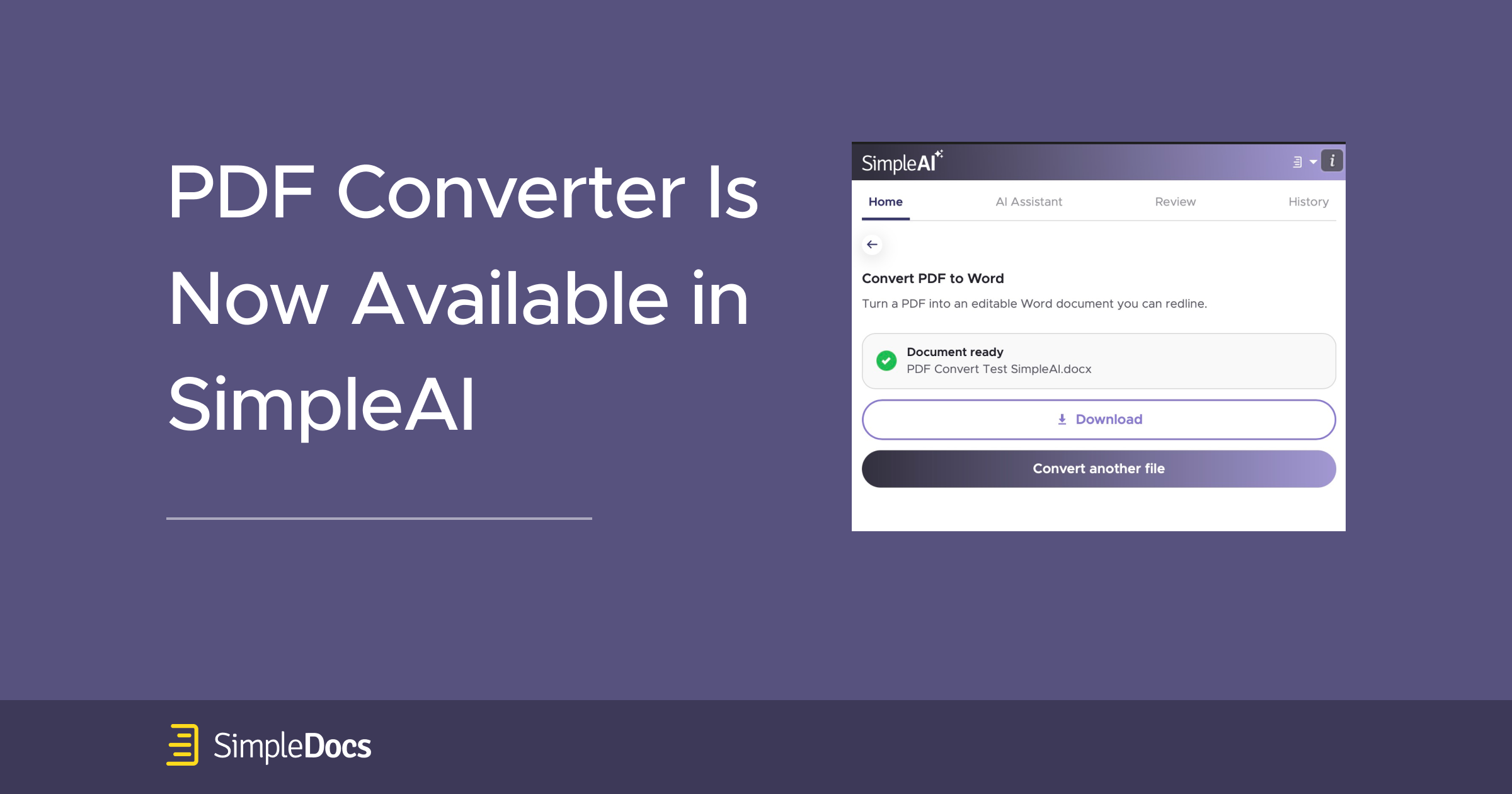
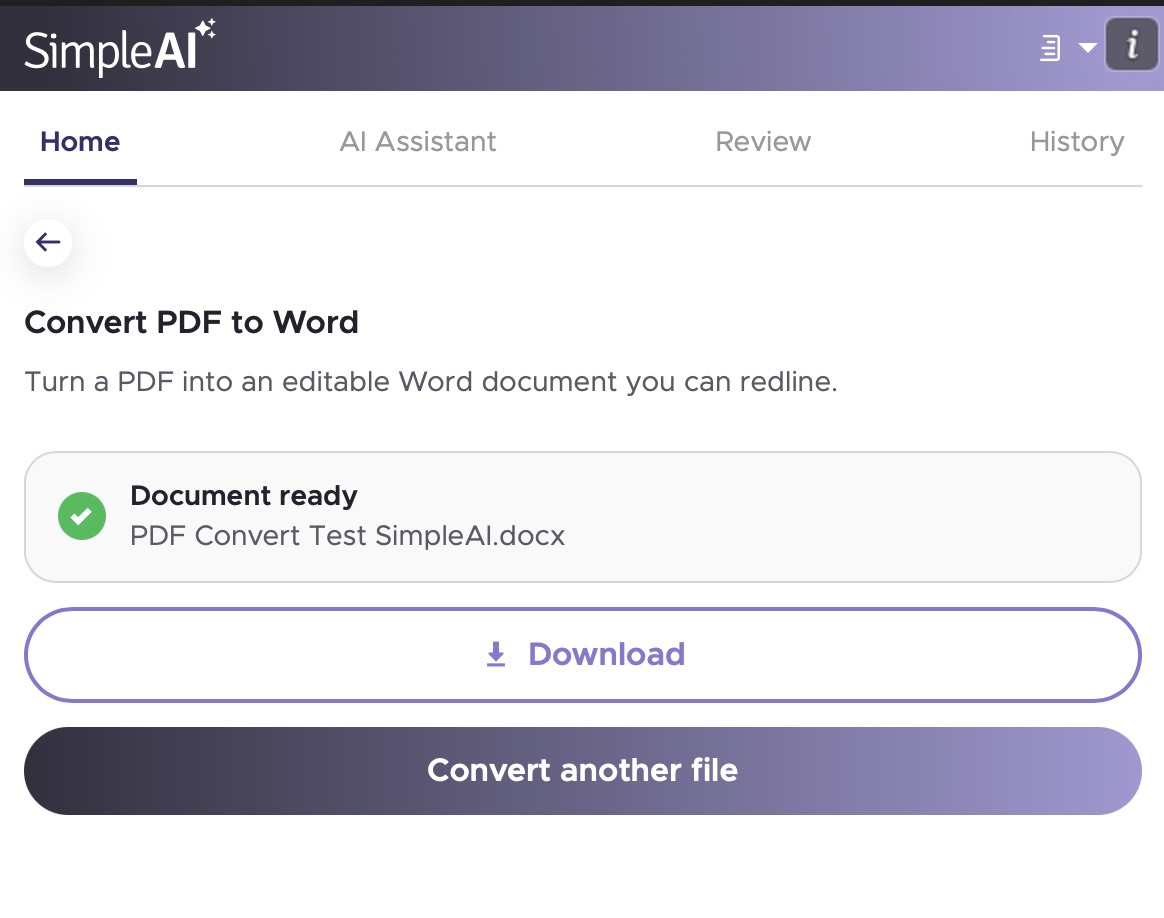
Open SimpleAI, select Convert PDF to Word, upload the PDF and click Convert to Word. SimpleAI creates an editable Word version that is ready for review.
Built for contracts
The PDF Converter is designed to preserve the structure of the original document, including headings, numbered clauses, tables, signature blocks, and exhibits.
More importantly, the text is converted into flowing Word paragraphs rather than fixed text boxes. That means you can use Track Changes, comments, cross-references, and the other Word tools you already use when reviewing contracts.
Files up to 25MB are supported.
It also works with scanned PDFs
PDF Converter automatically recognizes scanned documents.
If a page contains an image of text rather than selectable text, SimpleAI applies OCR and rebuilds the text as editable content. There is no separate OCR step.
It also handles documents that contain a mix of native PDF pages and scanned exhibits. SimpleAI checks each page and applies text recognition only where it is needed.
Language detection is automatic across major European and Asian languages.
As with any OCR technology, scan quality matters. Clean printed and typewritten documents will produce the best results. Low-resolution scans, faxed copies, skewed pages, handwriting, stamps, and marginal notes may not convert perfectly.
For scanned documents in particular, we recommend checking party names, dates, numbers, defined terms, tables, and signature blocks against the original before circulating a redline.
Once it is in Word, get to work
Once the document is converted, you can immediately:
- Run Risk Review
- Apply a custom or standard playbook
- Redline the agreement
- Compare it against another document
- Review it against your negotiation precedent
- Benchmark its terms against Law Insider market standards
- Draft new language
- Ask questions about the contract
Your PDF is not retained
Your uploaded PDF is used only to perform the conversion to Word.
The original PDF is deleted once the Word document is produced. The converted Word file remains available for download for 24 hours and is then deleted.
Nothing is automatically added to your SimpleDocs repository. A document is stored there only if you choose to save it.
Conversions are processed under ISO 27001, GDPR, and HIPAA standards.
A few limitations
PDF conversion is inherently dependent on the structure and quality of the source document.
Password-protected or encrypted PDFs must be unlocked before conversion. PDF comments and markup may appear as text boxes rather than native Word comments. Very long or image-heavy documents may need to be split into smaller files.
Scanned documents may also have some layout differences from the original, particularly with tables, multi-column pages, indentation, signature blocks, or unusual formatting. Recognized text may use standard Word fonts rather than the fonts appearing in the scan.
The converted document should be treated as an editable working copy — not as a certified reproduction or replacement for the executed agreement.
Available now
PDF Converter is available now inside SimpleAI for both SimpleDocs and Law Insider subscribers.
Need help getting started with PDF Converter or onboarding your team to SimpleAI? Contact your account manager for assistance.
New to SimpleAI? Book a demo to see how your team can convert PDFs, review contracts, and redline agreements in Microsoft Word.

.png)
